What Does TPI Mean on a Saw Blade? Straight Answers
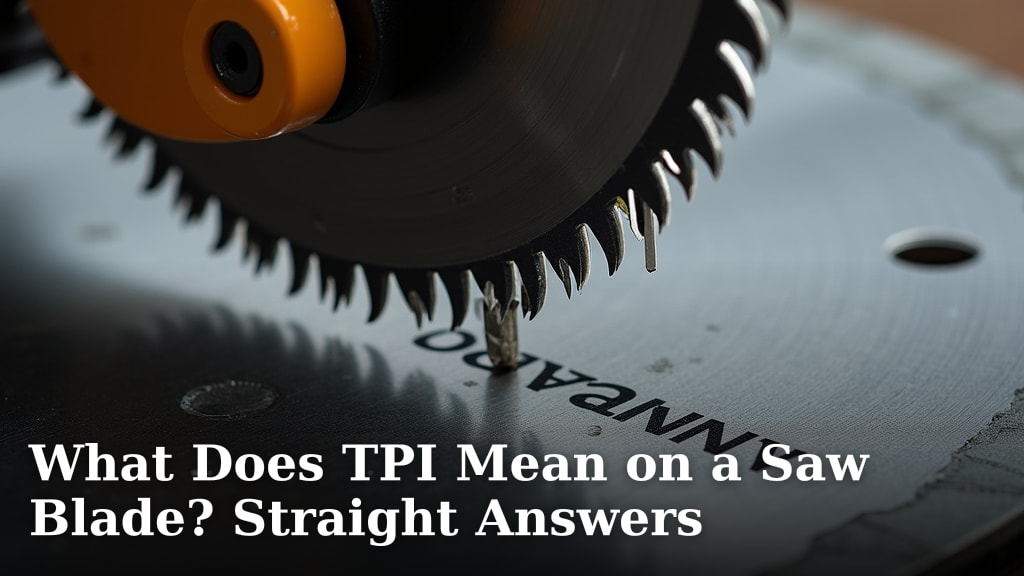
TPI on a saw blade stands for Teeth Per Inch. This number tells you how many teeth are packed into every inch of the blade. More TPI means a finer cut, while fewer TPI results in a faster, rougher cut.
Understanding TPI is key to getting the right blade for your project. It affects everything from how clean your cuts look to how quickly you can get the job done. Choosing the wrong TPI can lead to frustrating splintering or slow, inefficient sawing. Many woodworkers agree that matching TPI to the material is essential.
- TPI means Teeth Per Inch on a saw blade.
- Higher TPI gives a smoother, cleaner cut.
- Lower TPI cuts faster but is rougher.
- Match TPI to the material you are cutting for best results. To ensure accurate cuts, learn about the function of a table saw fence.
Let’s break down what TPI really means for your cutting projects and how to pick the perfect blade.
You’ve seen the “TPI” on saw blades. It’s easy to overlook. But understanding it can make a huge difference. It tells you what kind of cut you can expect. Let’s figure out what TPI really means for your tools.
Decoding Saw Blade TPI for Better Cuts
TPI stands for Teeth Per Inch. This simple number tells you how many teeth a saw blade has packed into one inch of its cutting edge. Think of it like the grain on sandpaper. More teeth mean finer work. Fewer teeth mean faster, rougher work.
The Simple Math: More Teeth, Finer Cuts
When you see a blade with a high TPI number, like 24 or 32 TPI, you know it’s designed for smooth, clean cuts. Each tooth is small. They remove less material with each pass. This results in a smoother finish. You’ll see less splintering on your material. This is perfect for finishing work or delicate materials.
Fewer Teeth, Faster Work
On the flip side, blades with a low TPI number, such as 10 or 12 TPI, have fewer, larger teeth. These teeth take bigger bites. They remove material more quickly. This means faster cutting. However, the cut surface won’t be as smooth. You might notice more rough edges or tear-out. This is ideal for rough cuts or thicker materials where speed is key.
TPI and Your Material: A Perfect Match
The most important rule of thumb with TPI is to match it to the material you’re cutting. Using the wrong TPI can lead to frustration. It can damage your material or make the job harder than it needs to be. Think about what you want the final result to look like.
Cutting Wood: Softwoods vs. Hardwoods
Wood is where TPI really shines. For softwoods like pine or fir, you can get away with a lower TPI blade, perhaps 10-18 TPI. This will cut faster. For hardwoods like oak or maple, a higher TPI blade, like 18-24 TPI, is often better. This prevents splintering and gives a cleaner finish. Many woodworking guides suggest this approach.
Metals and Plastics: The TPI Rule
When you move to metals, the TPI rule becomes even more important. Metal requires smaller, more numerous teeth to cut effectively. You’ll often see blades for metal with TPI ratings of 24, 32, or even higher. This helps to prevent the teeth from clogging or stripping. For plastics, it depends on the type. Thinner plastics might need higher TPI, while thicker plastics can handle lower TPI.
General Guidelines for Material Types
Here’s a quick rundown. Remember, these are general starting points. You might need to adjust based on the specific tool and material.
- Softwoods: 10-18 TPI
- Hardwoods: 18-24 TPI
- Plywood: 18-24 TPI
- Metals: 24-32+ TPI
- Plastics: Varies, 18-32+ TPI often works
The “Tooth Count” Debate: How Many Teeth Are Too Many?
You might wonder if there’s a point where having too many teeth is bad. Generally, for most standard saws, you won’t encounter blades with excessively high TPI that would cause issues. The key is the relationship between the tooth size and the material thickness. A very high TPI blade on very thick material might clog. A very low TPI blade on thin material will likely splinter it badly.
Understanding Blade Types and Their TPI
Different saw blades are designed for different jobs. The TPI is a major factor in this design. You’ll see specific TPI ranges for different types of saws.
Circular Saw Blades
Circular saws are versatile. Their blades often have TPIs ranging from 12 to 60. A general-purpose blade might be around 24 TPI. Blades with higher TPI are for fine woodworking. Blades with lower TPI are for framing and demolition. Research by tool manufacturers often highlights these differences.
Jigsaw Blades
Jigsaw blades are much smaller. They have a wide variety of TPIs, often from 6 TPI up to 32 TPI. A low TPI jigsaw blade (6-10 TPI) is great for fast, rough cuts in wood. A high TPI jigsaw blade (18-32 TPI) is better for curves and smoother finishes in thinner materials. You might even find blades with variable TPI.
Reciprocating Saw Blades
Reciprocating saws, or “Sawzalls,” are tough. They often have blades with lower TPI, usually in the 6-18 TPI range. This is because they are used for demolition and cutting rough materials like wood with nails or general construction debris. A higher TPI blade would likely dull or break quickly in these conditions.
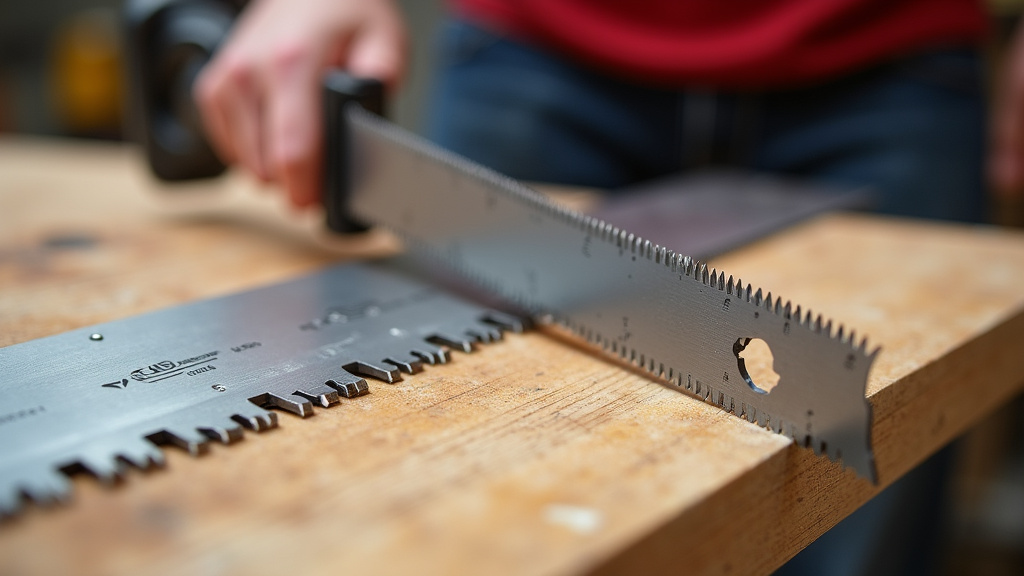
Beyond TPI: Other Factors to Consider
While TPI is super important, it’s not the only thing that matters. You should also think about other blade characteristics. These will affect your cutting experience. Making informed choices leads to better results.
Blade Material and Tooth Design
The material the blade is made from is key. Blades made of high-speed steel (HSS) or carbide-tipped blades are more durable. Tooth design also plays a role. Some teeth are angled for aggressive cuts. Others are designed for cleaner finishes. Manufacturers often test these designs extensively.
Kerf Width
Kerf is the width of the cut the blade makes. A thin kerf blade removes less material. This requires less power from your saw. It can also reduce waste. A standard kerf blade is thicker. It might be more durable for heavy-duty work.
Blade Speed and Your Saw
Your saw’s speed (RPMs) interacts with the blade’s TPI. A faster saw with a lower TPI blade can be very aggressive. A slower saw with a higher TPI blade will be more controlled. Always check your saw’s manual for recommended blade types and speeds. Many safety guidelines stress this.
Choosing Your Blade: A Quick Checklist
To make sure you’re picking the right blade, consider these points before you buy:
- What material are you cutting? (Wood, metal, plastic?)
- What kind of cut do you need? (Fast and rough, or smooth and clean?)
- What thickness is your material?
- What type of saw are you using? (Circular, jigsaw, reciprocating?)
- Are there any specific recommendations for your project?
- Does the blade material and tooth design suit the task?
By understanding TPI and keeping these factors in mind, you’ll be well on your way to making better cuts. Happy sawing!
Conclusion
You’ve learned that TPI, or Teeth Per Inch, is a straightforward way to understand your saw blade’s cutting performance. Remember, more TPI means a smoother finish, perfect for delicate work or hardwoods. Fewer TPI means faster, rougher cuts, ideal for softwoods or demolition. Matching your blade’s TPI to your material and desired outcome is the most critical step for success. So, before your next project, take a moment to check that TPI number. It’s a small detail that makes a big difference in achieving the clean, efficient cuts you’re looking for.
Frequently Asked Questions
What happens if I use a TPI that’s too high for my material?
Using a blade with a TPI that’s too high for your material can lead to clogging. The small teeth can quickly get packed with sawdust or debris. This can slow down your cut and make it less efficient. It might also cause the blade to overheat.
Can I use a low TPI blade for very thin materials?
Generally, you’ll want to avoid using a low TPI blade on very thin materials. The large teeth can rip and tear the material as they cut. This results in a rough, splintered edge. It’s better to use a higher TPI blade for a cleaner finish on thin stock.
Does the type of saw affect the ideal TPI?
Yes, the type of saw often dictates the ideal TPI. For example, reciprocating saws used for demolition typically have lower TPI blades for aggressive cutting. Jigsaws, designed for curves and detail work, come with a wider range of TPI options to suit different tasks.
Is there a single “best” TPI for all woodworking?
There isn’t one single “best” TPI for all woodworking. It truly depends on the wood species and the type of cut you need. Hardwoods and fine finishing work benefit from higher TPI, while softwoods and rough cuts can use lower TPI for faster progress.
How does TPI relate to the thickness of the material I’m cutting?
TPI and material thickness are closely related. For thicker materials, you generally want a lower TPI so the teeth can take larger bites. For thinner materials, a higher TPI is better to avoid splintering and ensure multiple teeth are engaged with the material at all times.